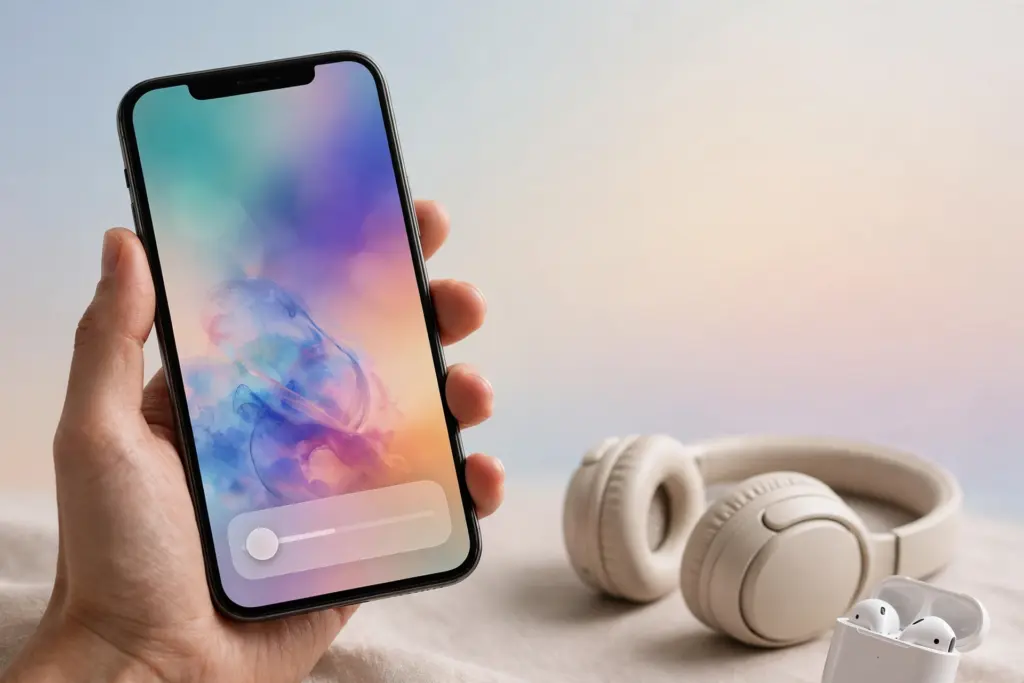
Apple has started testing iOS 26.2, the next update for the iPhone, and the first developer beta arrived in the first week of November 2026, just after iOS 26.1. The stable release is expected in December 2026 — Apple has confirmed a December release but has not given an exact date. If you are not on the beta, you will get these features when the final version rolls out to every compatible iPhone.
iOS 26.2 is not a huge redesign. It is a refinement update: small quality-of-life changes, a few new options, and fixes on top of iOS 26, which launched in September 2026 with the new Liquid Glass design. Here is everything that is confirmed in the beta so far.
Lock Screen: a slider for the clock
The most visible change is a Liquid Glass slider in the Lock Screen customisation menu. It lets you adjust how clear or frosted the clock looks — slide one way for a sharp, glassy clock and the other way for a softer, more opaque one. It is a small thing, but the Lock Screen clock is the first thing most people see on their phone, and Apple is giving users more control over how it looks.
Apple Music: lyrics without internet
Apple Music now supports offline lyrics. Once a song’s lyrics are downloaded, you can read them even when you have no Wi-Fi or mobile data — useful on flights, in the metro, or in areas with weak signal. The update also adds a Favourite Songs playlist in the Top Picks section of the Home tab.
Reminders: alarms for urgent tasks
The Reminders app can now set an alarm when a reminder is due. Until now, a reminder only gave a quiet notification. With an alarm, an urgent reminder behaves more like a clock alarm, with snooze support and a Live Activity on the Lock Screen so you can mark it done without opening the app.
AirDrop: share without adding contacts
iOS 26.2 adds a way to share files over AirDrop with someone who is not in your contacts, using a one-time code. You generate the code, share it with the other person, and they can receive the file without you having to add them to your contacts first. It is a small privacy-friendly change for quick one-off sharing.
Podcasts, News and Freeform
- Podcasts gets automatic chapters, so long episodes are split into sections you can jump between.
- Apple News gets section links at the top of the Today tab and a new Following tab for your favourite topics.
- Freeform gains support for tables.
- Games gets improved filtering and navigation.
Sleep Score and safety alerts
iOS 26.2 and watchOS 26.2 revise the Sleep Score ranges in the Health app. Sleep Scores are now available on all Apple Watch models that support watchOS 26.2.
The update also adds Enhanced Safety Alerts in the US. These warn you about imminent threats such as floods and natural disasters, with a map of the affected area and links to safety guidance.
AirPods Live Translation comes to the EU
Live Translation on AirPods — which translates a conversation in another language in real time — is expanding to the European Union with iOS 26.2. Apple had delayed it in the EU while it completed the engineering work needed to comply with the Digital Markets Act. It works on AirPods Pro 3, AirPods Pro 2 and AirPods 4 with Active Noise Cancellation.
Changes in Japan and Texas
- In Japan, iOS 26.2 lays the groundwork for users to install alternative app marketplaces and to choose a different default voice assistant instead of Siri.
- In Texas, Apple is adding tools for developers to comply with the App Store Accountability Act, which comes into force in 2026.
What is not confirmed yet
Two features people are watching for are not confirmed for iOS 26.2. Apple has said US passport support in Apple Wallet will arrive before the end of the year, and it may come with this update, but that is not confirmed. End-to-end encryption for RCS messaging is also expected in a future update, but Apple has not said it will be in 26.2.
Which iPhones will get it
iOS 26.2 will come to every iPhone that runs iOS 26 — that is the iPhone 11 series and later, including the iPhone 17 series, iPhone Air, iPhone 16, 15, 14, 13 and 12 series, and the second-generation iPhone SE and newer. When the stable update is out, you can install it from Settings, then General, then Software Update.
Related articles on HimachalGovt
- Apple Launches 5 New Products Today, 6 November 2026: iPad Mini, iMac and MacBook Pro — https://himachalgovt.com/stories/apple-launches-5-new-products-today-6-november-2026-ipad-mini-imac-and-macbook-pro
- Apple Siri AI Waitlist Ends: Downloads Start Automatically — https://himachalgovt.com/stories/apple-siri-ai-waitlist-ends-downloads-start-automatically
- Apple HomeView Launches 13 November for $299; Code Hints at Chatbot Apps — https://himachalgovt.com/stories/apple-homeview-launches-13-november-299-code-hints-chatbot-apps