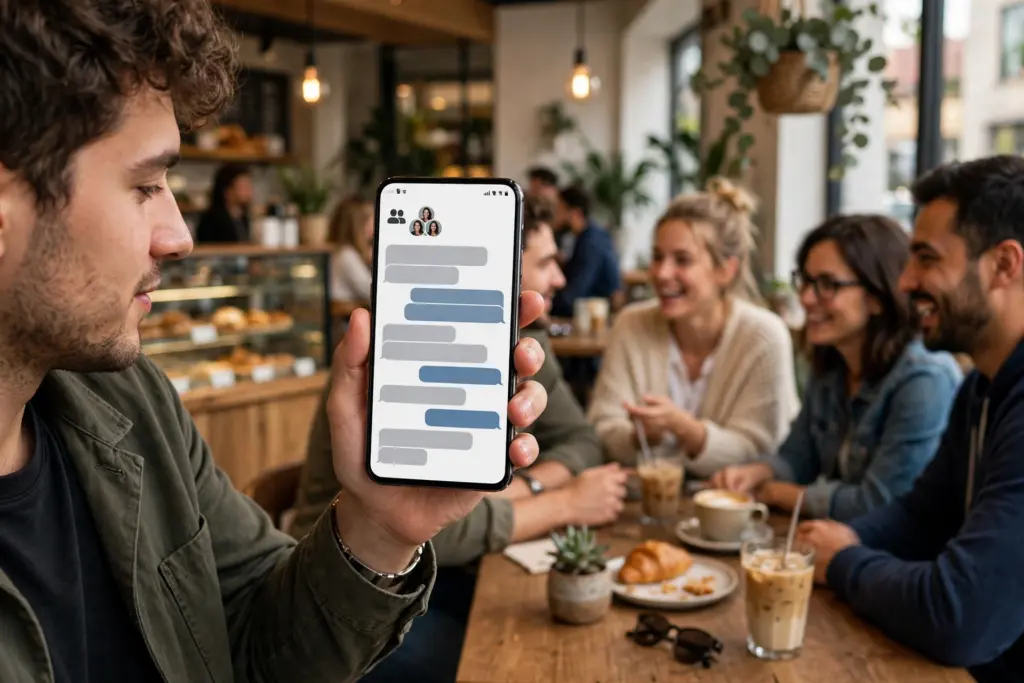
WhatsApp has rolled out a set of new features in November 2026 — four new tools for group chats, a bigger Events feature that now works for people who do not even have WhatsApp, and a new way to search old messages by date. The features are rolling out gradually over the coming weeks, so not everyone will see them at the same time. Update the app to the latest version to get them as they arrive.
Four new group chat features
WhatsApp announced four updates for group chats in early November 2026, aimed at making it easier to pick up a conversation where you left off:
- Permanent pins: important messages can now be pinned at the top of a group chat without a time limit. Earlier, pins expired after 24 hours, 7 days or 30 days. Group admins and members can now keep a key message — an address, a rule, a link — pinned for as long as they want.
- Share chat history with new members: group settings now let admins decide whether newcomers should see the previous chat history. Until now, a new member joined a group blind. Admins can now let them catch up on what was already discussed.
- Group status: status updates can now be published specifically inside a particular group, instead of going to all your contacts. A family group or a work group can have its own status, visible only to that group’s members.
- Filter for unread mentions and replies: a new filter helps you quickly find the messages that matter in a very active group — unread messages where you were mentioned, or where someone replied directly to you, including messages that use @all.
Events now works for people without WhatsApp
WhatsApp’s Events feature, announced on 5 November 2026, is getting its biggest upgrade:
- Invite anyone, even without the app: you can create an event, add a cover photo and share an invitation link with friends and family. Recipients who do not have WhatsApp can open the link, see the event details and RSVP — Going, Maybe or Not going — without downloading the app or creating an account. The link can be sent by text or email, or shown as a QR code.
- Events Home: a new central place to create custom invitations and manage responses. You can reach it through Settings, then Events, where past and upcoming events — both the ones you organised and the ones you were invited to — are listed in one place.
- Custom reminders and plus-ones: hosts can send customised reminders to guests and allow guests to bring a plus one.
- Privacy built in: the host’s phone number is hidden from guests they do not know, and a guest without a WhatsApp account sees the address only after replying. Personal messages and calls stay end-to-end encrypted.
The Events update is rolling out to all users over the coming weeks. It follows the 14 October change that let anyone join a WhatsApp call from a computer browser without an account — WhatsApp is steadily opening its features to people outside the app.
Search your messages by date
WhatsApp has also introduced a Search by Date feature for messages. Instead of scrolling for months or remembering a keyword, you can pick a specific date and see the messages exchanged on that day. It works on both Android and iPhone, and it is useful for finding an old address, a bill, or a photo you know you sent “around Diwali” but cannot remember exactly when.
What is still only in testing
Two more features are being tested but are not available yet:
- Chat preview without opening: a feature that would let you read the latest messages in a chat preview, without opening the chat. The iOS app already offers something similar.
- AI photo expansion: a Meta AI feature that would expand a photo before sharing — for example, turning a normal photo into a vertical 9:16 image by generating extra content around the edges.
How to get the new features
Open the Google Play Store or Apple App Store, search for WhatsApp, and tap Update. The new features appear as they roll out to your account, so if a friend already has permanent pins and you do not, it is the staged rollout — not a problem with your phone. Group features appear in group chats; Events Home appears under Settings, then Events.
Related articles on HimachalGovt
- Meta Launches Muse Voice: AI Voice Assistant That Talks Like a Human — https://himachalgovt.com/stories/meta-muse-voice
- Meta Acquires AI Coding Startup Conductor — https://himachalgovt.com/stories/meta-acquires-ai-coding-startup-conductor
- Google Launches Gemini 4 Carbon Cybersecurity AI — https://himachalgovt.com/stories/google-gemini-4-carbon-cybersecurity-ai